Sonic Player: Fast, privacy-focused Android media player for local files
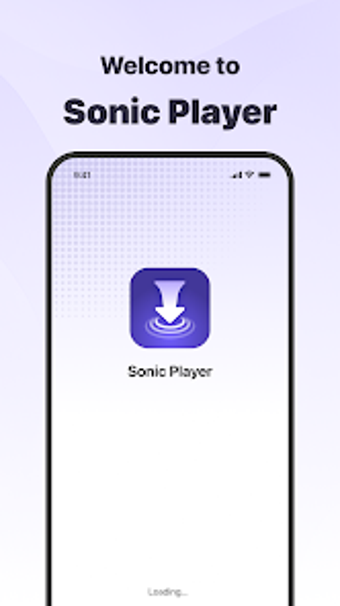
Plays HD video and audio from local storage with optimized rendering, fast startup, and stable playback. Sonic Player, from Dev OHIDUL, sits in the utilities-tools category and focuses on local-only media handling. The app supports mainstream video and audio formats and keeps processing on-device for privacy. It targets Android users who want a compact player that opens quickly, handles high-definition content, and avoids cloud or network-based media workflows.
How Sonic Player actually handles local media
The app reads media from device storage and renders high-definition video using an optimized player pipeline, which the developer describes as delivering a clear, smooth HD playback experience. Supported formats include MP4, MKV, AVI, and MP3, so users can play most common files without format conversion. Media items remain on the device during playback, because the player processes files locally rather than streaming or uploading them.
How it affects system resources during playback
Sonic Player is built with a compact architecture intended to keep startup and operation rapid, and the developer positions it as suitable for devices with limited resources. Fast responsiveness is a stated goal, which implies short launch times and steady rendering under typical mobile hardware. Users with older devices should expect lower memory and CPU demands compared with larger media suites, given the app’s minimal design.
Whether it keeps media private and safe
The app explicitly processes and stores media locally on the device, which reduces external data flows. Privacy-focused local playback means no declared sharing of media with third parties via the player, and playback operates without requiring network transfer. The app’s permission needs are limited to local storage access, so standard platform safeguards govern file reads and writes.
Who can use it and how much technical skill it needs
The interface is described as clean and simple, aimed at people who want quick access to personal media without configuration. Casual users can browse and play files without advanced setup, while power users who need format tweaking or network streaming will find the app intentionally pared back. The developer offers similar media players, which suggests a focus on straightforward playback rather than advanced encoding controls.
A practical pick for users prioritizing local, fast playback
Sonic Player suits Android users who need reliable, local-only playback and responsive start-to-play behavior; it sacrifices advanced network or encoding features by design. For best results, use it for stored HD files and avoid relying on it for streaming or device-to-device sharing. Recommended.